High-speed, low-latency internet delivers fast data transfer with minimal delay—ideal for modern digital needs. Here’s what it means and why it matters:
What is High-Speed?
Download/Upload Speeds: Typically 100 Mbps to multi-Gbps
Best for: Streaming 4K/8K video, large file downloads, cloud backups, smart homes
What is Low-Latency?
Latency (Ping): Usually under 50 ms (often 20–40 ms on advanced networks)
Best for: Online gaming, video calls, VoIP, live trading, remote work, IoT
LEO Satellite (e.g., Starlink): High speed with much lower latency than traditional satellite
Key Benefits
Smooth video conferencing with no lag
Faster website & app loading
Real-time collaboration and cloud access
Better performance for gaming and live streaming
Who Needs It?
Remote workers & digital businesses
Gamers & content creators
Smart homes & IoT users
Rural or underserved areas seeking reliable broadband
Key Components
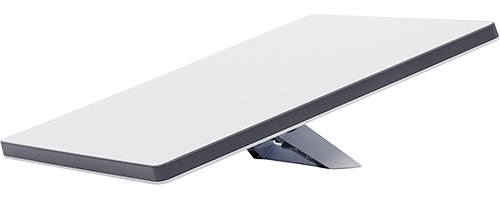
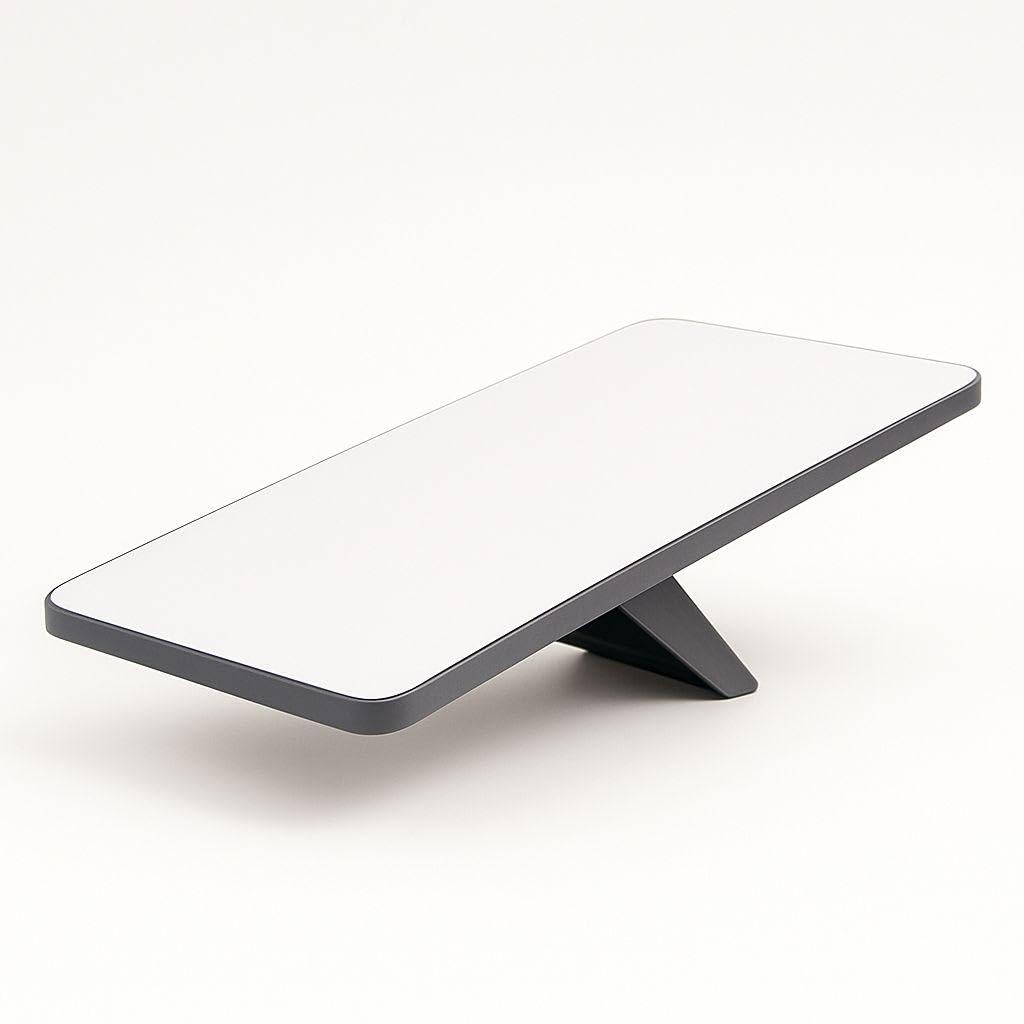
Satellite dish (antenna)
Modem & Wi-Fi router
Orbiting satellites
Ground stations (gateways)
How Does Satellite Internet Work?
Satellite internet provides online access by transmitting data between your location and satellites orbiting the Earth—making it ideal for rural or remote areas where cable or fiber isn’t available.
Step-by-Step: How It Works
Your Device → Modem
You connect your phone, computer, or router to a satellite modem.
Modem → Satellite Dish
The modem sends data to a small satellite dish installed at your home or office.
Dish → Satellite (Space)
The dish beams the signal to a satellite in orbit.
There are two main types:
GEO (Geostationary) – ~35,786 km above Earth (traditional satellite internet)
LEO (Low Earth Orbit) – ~500–2,000 km above Earth (modern systems like Starlink)
Satellite → Ground Station
The satellite relays your request to a ground station connected to the global internet.
Internet → Back the Same Way
The data (website, video, email) travels back through the ground station → satellite → your dish → modem → device.
Why Modern Satellite Internet Is Faster
Low Earth Orbit (LEO) satellites:
Much closer to Earth
Lower latency (20–50 ms vs 600+ ms on GEO)
Support video calls, gaming, and streaming
Use thousands of satellites for continuous coverage
How to Set Up Satellite Home Internet
Choose the Right Location
Install the dish outdoors (roof, pole, or ground mount)
Aim for a clear, unobstructed view of the sky
Starline is designed for full household use. You can connect multiple devices — smartphones, laptops, smart TVs, gaming consoles, etc. — and the internet can support streaming, video calls, gaming, and browsing at the same time.